I keep most images in the doc pane, where they can be re-sized by dragging handles.
Sometimes, though, I want to see the image inside the grid outline like this:
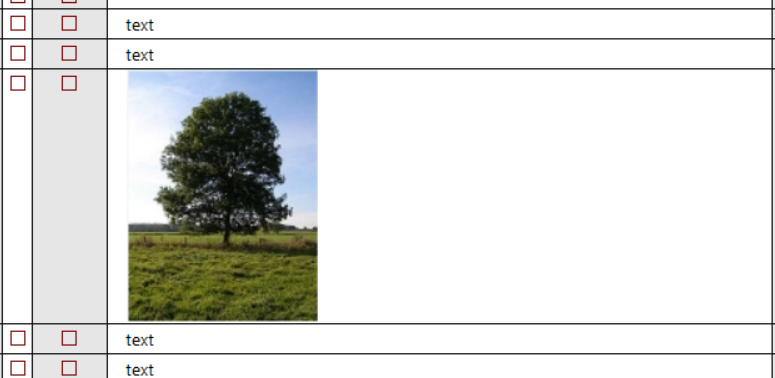
Usually, when I paste the image it comes in way oversized and I have to go thru multiple steps to reduce the size (eg by going to the document pane, re-sizing, and redoing the screen cap).
I would like to be able to:
1) Re-size the image directly in the grid.
Or even better:
2) Set default image size so all images come in at the same size, and nothing ever has to be re-sized to fit.
Is there any way to accomplish either of these?
Wayne
How do I ?
Comments
Hi Wayne, That would be a…
Hi Wayne,
That would be a welcomed addition indeed. Right now, your best bet is to do a Win-Shift-S to capture a smaller copy of your image and paste it in the grid. You could also overwrite the larger one with this smaller one (.Files folder). Either way, it is extra steps no doubt. Perhaps the ideal solution is to add an option in the paste image dialog to perform a resize.
HTH !
Pierre_Admin
IQ Designer
OK, thanks. I have a…
OK, thanks.
I have a template set up in a pdf file that shows images at different sizes for different purposes in InfoQube. I paste the new screen cap there, re-size it to match whatever template is appropriate, then re-capture it to take to InfoQube.
Another option which I haven't tried is to zoom out before doing the screen cap. With some trial and error I could probably learn to capture the right size by eyeballing it before capture.
Wayne