
I often paste (regular text) within the Doc Pane or from outside source. When IQ has been open for several hours, and about 10% of the time, IQ crashed when I paste text (and I loose some recent work).
I am not able to find a way to reproduce this.
Any idea on how to troubleshoot this?
Bug reports
Comments
Please, any suggestions on…
Please, any suggestions on how to troubleshoot this?
IQ crashes 1-3 times/day when I paste.
After a crash, it takes 7-10 min to start up again.
I also loose what I recently had worked on. I would like to save IQ each time before I paste.
Is there some simple way of saving the current file by a one button click as in most MS software? I can only see "Save As" (e.g. to save as a new file).
Hi Viking, I could add a …
Hi Viking,
I could add a "safe mode" for Doc pane paste but there remains a few questions:
Pierre_Admin
IQ Designer
1. Doc pane has a Save…
OK. So I guess that when I am in the Doc pane, I could do a Ctrl+ S before I paste. This would save the current work in the Doc Pane in case IQ crashes! How/when is the work in the Doc pane saved otherwise? When selecting a different item maybe?
OK. Good to know!
Normally, loading IQ takes about 1 min+ (I timed it). However, after a crash it takes at least 7-10 min. Sometimes it is still not responding after this time, so I close and try again until IQ opens. A few times, I gave up and rebuilt the database.
Yes, I have only had it crash when pasting in the Doc pane (which I do very frequently).
How would a "safe mode" work?
exactly, Doc pane saved by 1…
3A. Not sure about age, but…
3A. Not sure about age, but less than 10 years; Intel(R) Core(TM) i5-8400 CPU @ 2.80GHz, 2808 Mhz, 6 Core(s), 6 Logical Processor(s), 12 GB RAM
3B. 500 GB NVMe Solid State Drive
I had the database in a data directory on a hard drive though. I closed IQ, moved the DB to the SSD drive and opened it from there.
It took 2min 3 sec to open the database. However, I had to try several times; when it hadn't opened after 3 min, I closed and restarted. This is unfortunately very common.
Sometimes when it takes a very long time to open IQ, and I have to retry several times, I rebuild the database. That usually helps. I tried it again this time, and it now took 1 min 26 sec to open IQ. It doesn't make any difference if IQ is already running and I open my regular database.
BTW, when I really need to rebuild IQ, it would help if there was some way to just open IQ with a blank database and then point to the problematic database. Now I need to keep trying multiple times and waiting for very long times for the problematic database to finally open up before I can rebuild it (Please...).
I next run several test. My database has several panes:
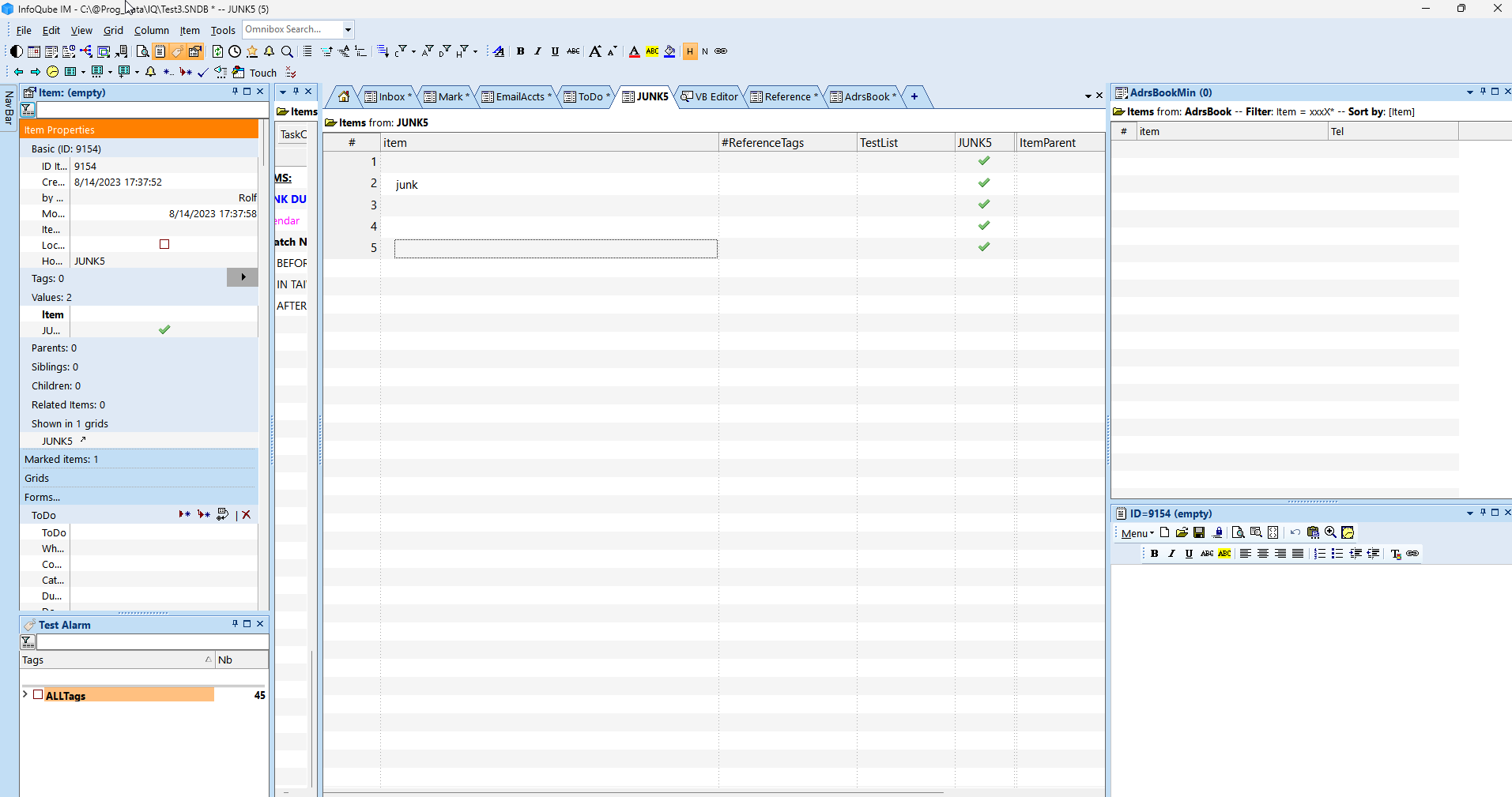
This exact configuration took 58 sec to open (restarting IQ)
If I remove all "extra" panes:
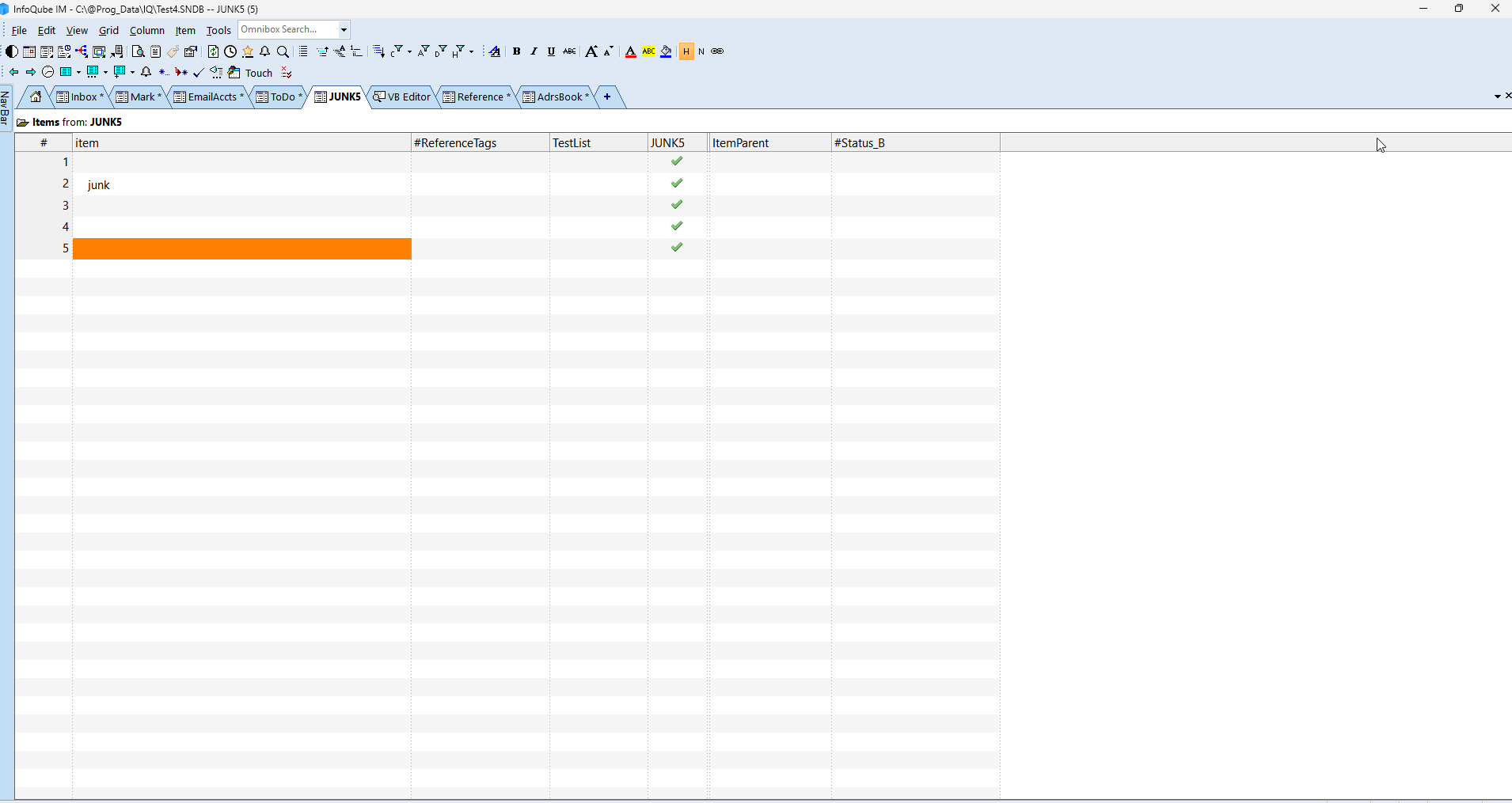
This took 24 sec to load (restarting IQ)
Hi viking, In Options, you…
Hi viking,
1. In Options, you can turn…
1. In Options, you can turn off the opening of the last file on startup.
OK, but how can I rebuild the database without actually open the problematic database? I just want to be able to select it from the rebuild dialogue.
BTW, today IQ crashed when I was just typing some text into the DOC pane. That is more rare than a crash when I paste.
Do you have any suggestions for how to troubleshoot this? Any way to "log" a crash?
Best option is to create a…
Best option is to create a masked copy of your IQBase (do not mask Tags unless you really need to) and send it over
I wanted to also mask the…
I wanted to also mask the Tags and checked this option. However, the Tags were not masked. I also need to mask some Grid names, and I guess I would need to do this manually?
in v1.128.9: New: Doc pane …
in v1.128.9:
I tried to create a masked…
I tried to create a masked copy of a new simple database with a few tags and using the new v.1.128.9, but the Tags were still not masked (of course I checked the option "Also Mask Tag Names").
Maybe a bug with the Mask Data feature?
It does mask tags, you…
It does mask tags, you simply need to close and reopen the file. I'll fix this in a coming release
Oh, I see OK. Some fields…
Oh, I see OK.
Some fields also have confidential info.
Can I mask/rename those fields or will that make the file useless for trouble-shooting (since the Grids will be missing the fields)?
I don't think that there is a simple way to rename the fields and have the Grids immediately use the new field names?
I would like to send you a…
I would like to send you a masked file, but I need to know if it is OK rename confidential fields or will that make the file useless for trouble-shooting (since the Grids will be missing the fields)?
I don't think that there is a simple way to rename the fields and have the Grids immediately use the new field names?
Field rename get updated for…
Field rename get updated for grid columns, but not for grid source and filters.
Simple way to know... mask the file and required fields and test it on your end. If there are issues, then yes, send it over
1. I am running v 1.128.9…
1. I am running v 1.128.9 but the edited Doc panes are not saved when IQ crashes after a paste. It now happens about once or twice/day (and it takes "forever" to load IQ after a crash).
2. I really would like to send you a masked file, but...
a. Is it possible to write a VBA script to rename all fields and corresponding grid sources? I have a lot of fields...
b. The crashes are random, and I don't know how to reproduce it in a file, masked or not. Would you be able to somehow determine the file structure to see if there are issues w/o actually have it crash?