
I have several main tabs that have panes on top of them. I select the Panes by tabs at the bottom. It was some time ago that I created these "multi-tabs", but I think that I did the following:
1. Select a tab, e.g. "Soon", and then "copy view"
2. Select the Main Tab where I wanted to paste "Soon", e.g. "Inbox", and select "paste view"
3. Then "Soon" is added next to "Inbox"
4. However, when try to move "Soon" on top of "Inbox", that no longer works 😒!?
I also tried to detach the "Soon" tab and move it on top of "Inbox", but that also didn't work.
Am I doing something wrong or has that feature been removed (it is one of my favorite features)?
p.s. I am aware that I can use the NavBar to arrange and select the grids, but I prefer this "old" approach.
Comments
It works here, if I have 2…
It works here, if I have 2 panes in a dashboard-type grid, I can move one pane onto another to have then shown as tabs
Hmmm... I still can't get it…
Hmmm... I still can't get it to work in a new file. Was the pane pasted from a copied tab or detached tab? I tried both ways. Where exactly did you drop the new tab on the original tab?
Here I tried to drag-drop DailyNotes on top of Inbox:
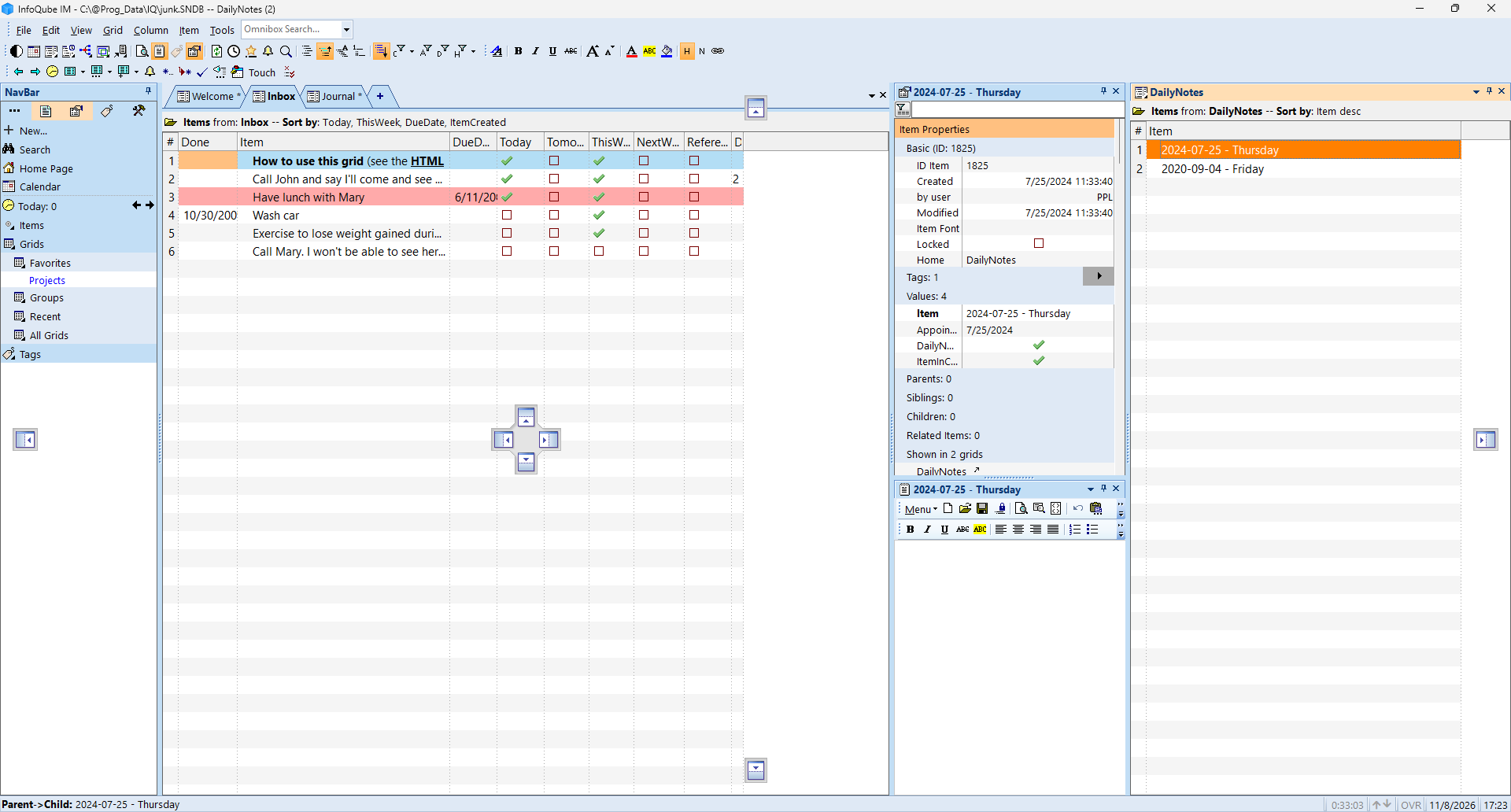
EDIT: I can drop it on the properties Pane, but not the Inbox.
EDIT2: I remember now. I need to create a separate Tab; e.g. Dummy, and Copy View Inbox and place it above Dummy; Then Copy View DailyNotes and drop the DailyNotes on the Inbox Pane:
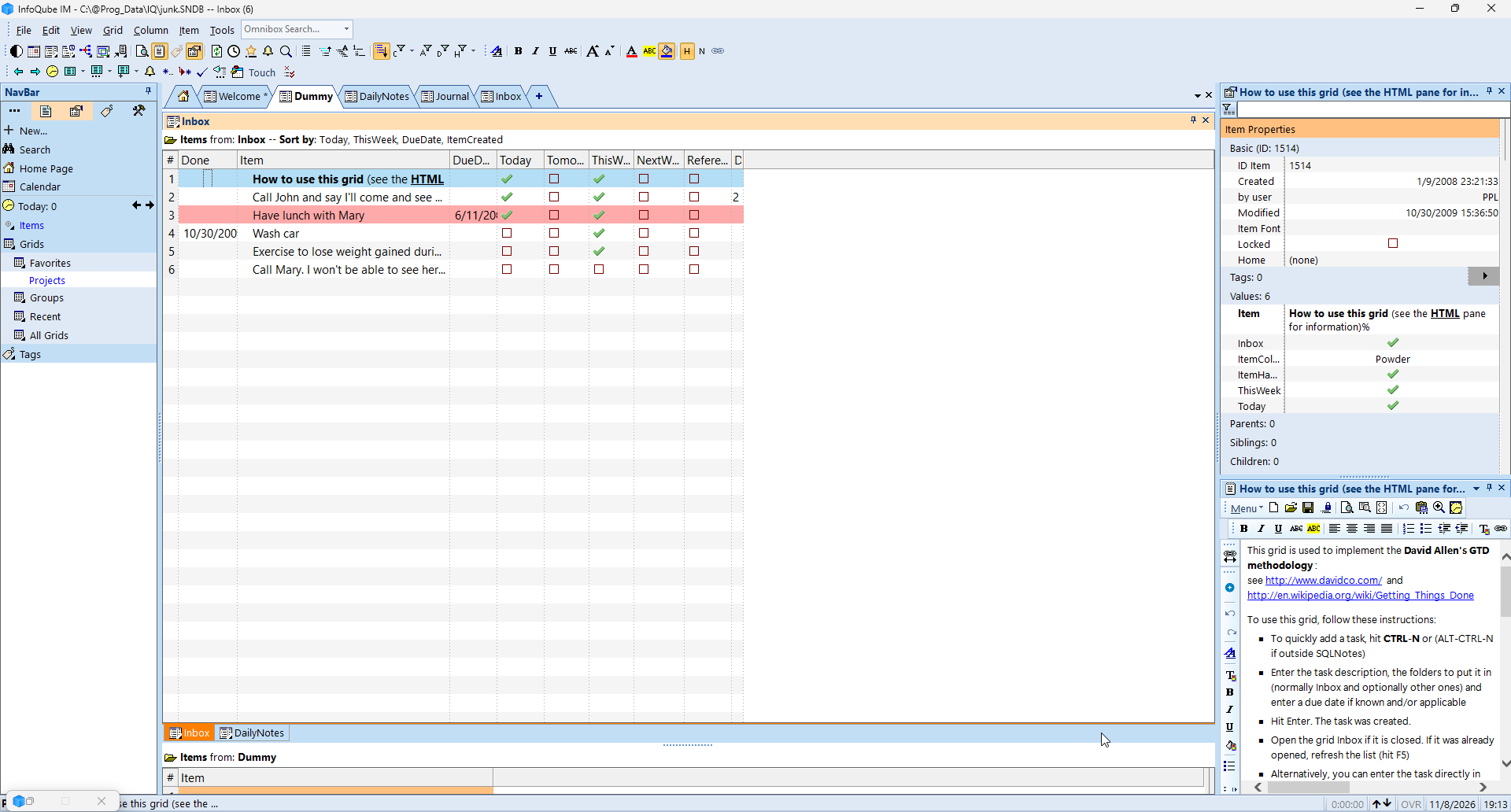
See Dashboards
See Dashboards