Print Preview - Grids
File > Print Preview can be used to print / export grid content. A number of print options are available:
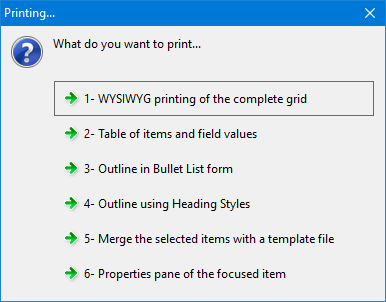
1. WYSIWYG Printing
Opens a print-preview window where you can:
- Zoom in / out
- Set the paper size and orientation
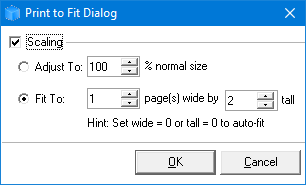
- Scale, either a % of the normal size or Fit to X by Y pages (recommended)
- Copy as an image, to paste into other applications
- Save As: PDF file or an image file: JPeg, Png or EMF
- Configure printer