ASUTYPE macros & IQ

Submitted by Maxbear35 on 2025/07/28 21:39
Forums

I'm writing to inquire if there's a possibility to integrate ASUTYPE macros directly into the IQ toolbar as customizable shortcuts.

Currently, I've developed several valuable ASUTYPE macros that efficiently call various IQ functions. The next logical step for optimizing my daily tasks would be to have these macros accessible with a single click from the IQ toolbar, rather than requiring multiple steps to execute. This would provide a significant boost to my efficiency and overall user experience.

InfoQube is displaying images in URL field

Submitted by WayneK on 2025/07/21 09:15
Forums

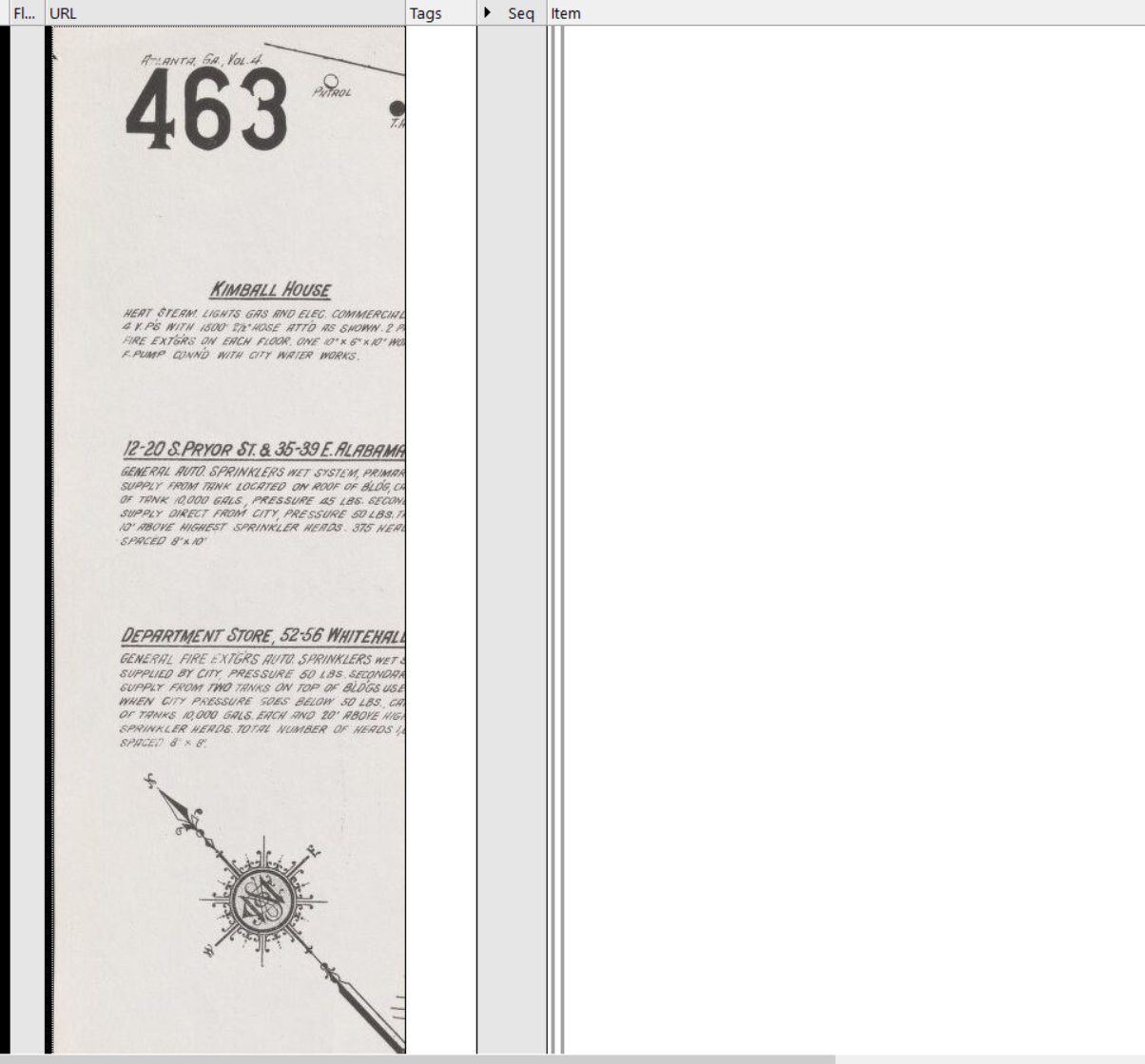
How do I make InfoQube stop displaying the image in the URL field when I input a path to a jpg file.  This is what I'm getting:

When this happens, it won't let me delete the image in the URL field.  I end up having to delete the whole item.

It started doing this a few versions ago and I can't find an option to control this.

Give option to set outline indenting by grid

Submitted by WayneK on 2025/07/14 16:24
Forums

Outline indenting is controlled by a single option that applies to the whole file.

I'd like to have the option to override this setting for individual grids, as listed in the Manage Grids dialogue.

There are certain situations where I want to:

1) Minimize the indent so I can display many levels of outline info in a continuous list where the lower levels aren't progressively offset and squeezed out to the right.

2) Maintain the ability to collapse and hide different levels of the outline.

This would give the user more flexibility in displaying info.

Hoisting

Submitted by Maxbear35 on 2025/07/12 11:22
Forums

I'd like to know if it's possible to have two distinct lists available for hoisting, allowing me to easily toggle between which one is actively 'hoisted' at any given time.

Also Is it possible to save multiple 'hoisted' lists and then easily switch between them as needed?

Thanks for any advice.


IQ Training Session #14: The many uses of Tags and how they differ from Fields

Submitted by Pierre_Admin on 2025/07/10 17:01

Group Training announcement and links to past sessions: Group Training Sessions

Hi IQ Users,

InfoQube has tags... yeah like GMail and so many other apps. Nothing to write home about. Right?

Yes and no... There is so much more. 😯 In this session we'll show you:

How to move an item in fewer steps?

Submitted by WayneK on 2025/07/10 15:23
Forums

To move a subitem to another grid with a different parent, I do this:

1) Mark subitem in grid #1 (ctrl-m)

2) Navigate to new parent in grid #2 and assign subitem as child ctrl-shift-n)

3) Return to grid #1 and delete subitem from its original location.

How can I accomplish this in fewer steps?  Seems like there should be a way to skip step 3. 

Would also be nice if there were an option to just paste the item in grid #2 as a TLI (no parent).  

I couldn't find anything better in the user manual.

Wayne

[Video] Non Contingous selection Hoisting / Zoom in

Submitted by prashant on 2025/07/04 13:01

https://www.loom.com/share/18f72be559c847e7a6061397e4214acd?sid=3efc51ab-794e-49e9-9520-e8aa48094700

In this video, I showcase a unique feature of Infoqube that sets it apart from typical outliners. Unlike most outliners that allow you to select one node at a time, Infoqube enables you to select non-contiguous items by holding down the control key. This means you can easily zoom in on multiple items simultaneously, enhancing your workflow. I